The Hidden Risk of USB Drives in the Office
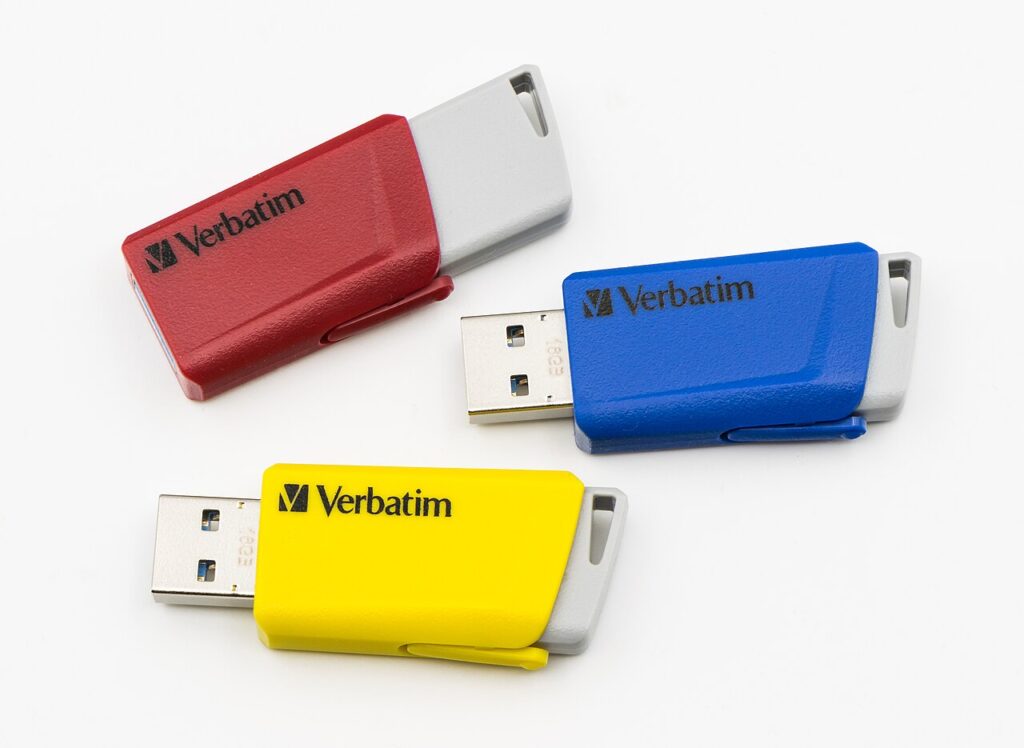
A USB stick looks harmless, yet it is one of the oldest and most effective ways to carry malware into an office or to carry company data out of it. Because removable media bypasses firewalls and email filters, a single drive plugged into one workstation can compromise an entire network. This guide explains the main USB drive risks and the practical controls small and mid-size businesses can put in place.
Why USB drives are risky
Removable storage is portable, tiny, and easy to lose. Files copied onto a drive leave every network control behind, so nothing monitors where they go next. A drive found in a parking lot or handed out at an event can contain malware that runs the moment it is inserted, and some devices pretend to be keyboards and type malicious commands automatically. Employees also tend to trust a drive from a colleague or client, which attackers exploit.
Common ways drives cause incidents
The most frequent problems are accidental. A staff member loses an unencrypted drive holding customer records, or plugs a personal drive infected at home into a work laptop. Deliberate misuse also happens: a departing employee copies files to a stick on the last day. Malware such as worms spreads by copying itself onto every attached drive, turning ordinary file sharing into an infection route across departments.
Technical controls that work
Start by blocking unknown USB storage through endpoint policy or group policy, and allow only approved, company-issued devices. Require encryption on those drives so a lost stick exposes nothing. Disable autorun, scan every drive automatically on insertion, and log file copies to removable media so unusual transfers can be reviewed. Endpoint protection platforms and device control tools can enforce all of this centrally without relying on user behavior.
Policies and employee habits
Write a short removable media policy that says who may use drives, what data is allowed on them, and what to do with a found device: never plug it in, hand it to IT. Explain the reason with a real example so the rule feels sensible. Offer alternatives such as approved cloud storage or secure file transfer, because people use USB sticks mostly when they lack a convenient option. Review the policy once a year.
What to do after a suspected incident
If a suspicious drive was inserted, disconnect the machine from the network, do not reboot, and call IT or your security provider. Scan the device, review recent file activity, and check whether other systems touched the same drive. Reset credentials used on the affected machine if there is any sign of compromise. Record what happened and update the policy so the same gap does not appear again.
Frequently asked questions
Should we ban USB drives completely?
Not always. Many businesses allow encrypted, approved drives and block everything else, which keeps flexibility without the risk.
Are USB charging cables a risk?
Public charging ports can in theory transfer data, so use a power-only cable or a data blocker when traveling.
Does antivirus catch infected drives?
Often, but not always, which is why device control and encryption matter as well.
Final thoughts
USB drives remain a quiet but real threat to office security. Block unknown devices, encrypt approved ones, log transfers, and teach staff never to plug in a found stick. These small steps close a gap that firewalls alone cannot.
Keep reading
- Endpoint Security
Secure Coding Habits Every Developer Needs

- Endpoint Security
What Is TLS Inspection and Is It Safe?

- Endpoint Security
AI Will Change Most IT Jobs: How to Prepare

- Endpoint Security
Endpoint Compliance Standards in Plain English