How to Choose a Security Camera for Your Home
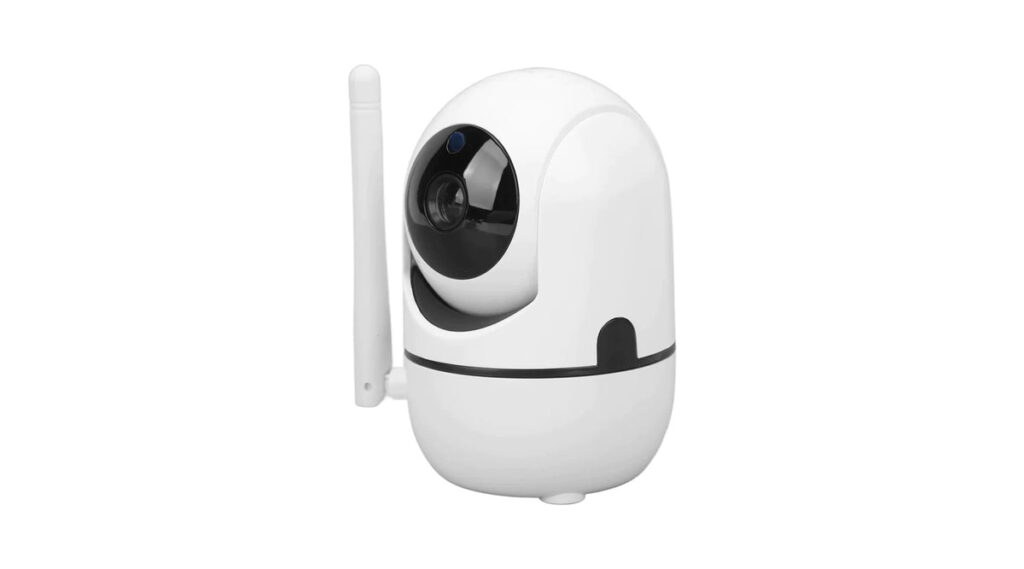
The best security camera for your home depends on your layout, budget, and privacy needs. This guide explains the main types and features so you can choose with confidence.
Indoor, outdoor, and doorbell cameras
Indoor cameras watch rooms and pets, outdoor models resist weather and cover entrances, and video doorbells show visitors. Many homes combine two or three types for full coverage of entry points.
Image quality and night vision
Look for at least 1080p resolution, a wide field of view, and good low-light performance with infrared or color night vision. Higher resolution helps identify faces and license plates but uses more storage.
Power and connectivity
Wired cameras offer constant power and reliability, while battery and solar models are easier to place. Wi-Fi cameras need a strong signal, and some systems use wired Ethernet or power over Ethernet for stability.
Storage and subscriptions
Cloud storage is convenient but often requires a monthly fee. Local storage through microSD cards or a hub avoids subscriptions and keeps footage private. Check encryption and how long footage is kept.
Smart features and privacy
Person and package detection reduce false alerts, and two-way audio lets you speak with visitors. Secure your account with multi-factor authentication and keep firmware updated.
Key takeaways
- Indoor, outdoor, and doorbell cameras: Indoor cameras watch rooms and pets, outdoor models resist weather and cover entrances, and video doorbells show visitors. Many homes combine two or three types for full coverage of entry points.
- Image quality and night vision: Look for at least 1080p resolution, a wide field of view, and good low-light performance with infrared or color night vision. Higher resolution helps identify faces and license plates but uses more storage.
- Power and connectivity: Wired cameras offer constant power and reliability, while battery and solar models are easier to place. Wi-Fi cameras need a strong signal, and some systems use wired Ethernet or power over Ethernet for stability.
- Storage and subscriptions: Cloud storage is convenient but often requires a monthly fee. Local storage through microSD cards or a hub avoids subscriptions and keeps footage private.
- Smart features and privacy: Person and package detection reduce false alerts, and two-way audio lets you speak with visitors. Secure your account with multi-factor authentication and keep firmware updated.
Putting it into practice
To apply this in your own organization, begin with a short assessment of where you stand on best security camera for home today. Write down who owns it, which tools are involved, and the single biggest gap. Fix the highest-risk gap first, assign a clear date, and review progress after thirty days. Share what you learn with the team so improvements stick, and document the decisions you make so new staff can follow them. Revisit the topic every quarter, because threats, tools, and business needs change quickly, and small regular adjustments are far easier than large emergency fixes.
Frequently asked questions
How many cameras do I need?
Cover main entrances and vulnerable windows first, then expand.
Are wireless cameras reliable?
Yes with strong Wi-Fi and regular battery checks.
Final thoughts
Choose cameras based on coverage, image quality, storage, and privacy. Secure the accounts and keep software updated.
Keep reading
- Smart Security
Smart Camera Privacy Settings to Change Today

- Smart Security
Wi-Fi Security for Home Offices
- Smart Security
Security Lighting and Cameras Together

- Smart Security
Smart Home Security for Renters