Biometric Login: Pros and Cons
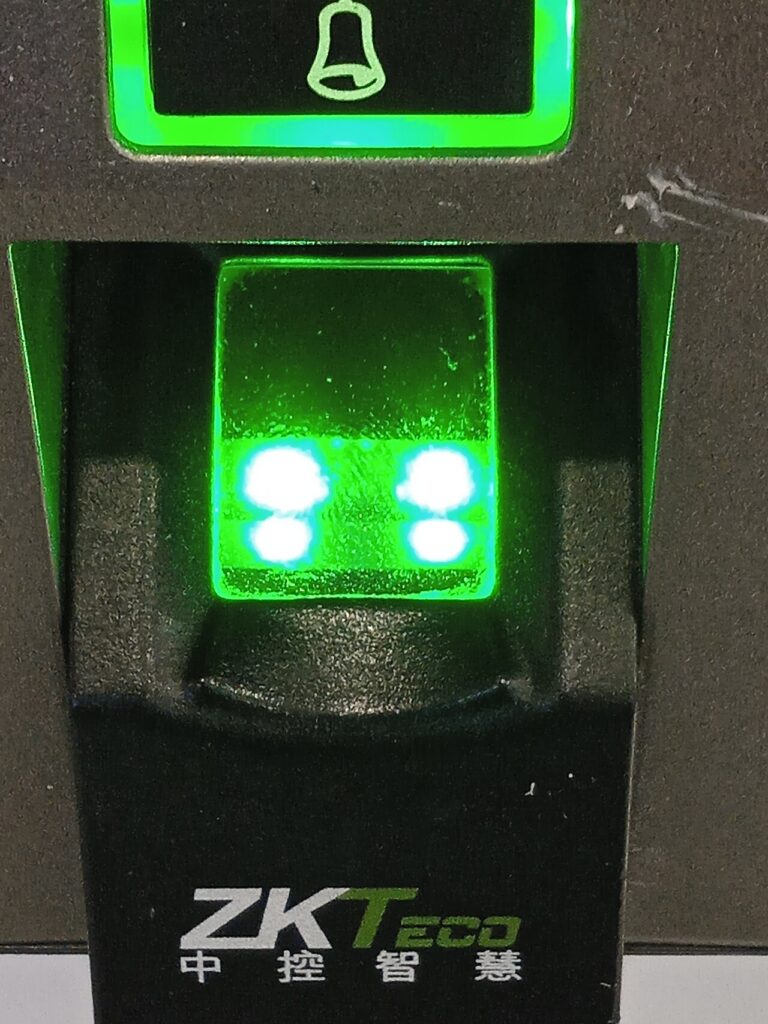
Fingerprints and face scans promise fast sign-ins without remembering passwords, and biometric login is now standard on phones and many laptops. But it comes with trade-offs that every business should understand before relying on it. This article weighs the advantages and drawbacks of biometric authentication.
How biometric login works
A sensor captures a fingerprint, face, or iris pattern and converts it into a mathematical template. On modern devices that template stays inside a secure chip and is compared locally when you sign in, rather than being sent to a server. The match unlocks a cryptographic key that proves your identity. Understanding this local design explains most of the technology’s strengths and limits.
Advantages of biometrics
Biometrics are quick and convenient, which improves adoption of strong security. They cannot be forgotten or easily guessed, and they resist phishing because there is no password to type into a fake site. Combined with a device-bound key, as in passkeys, they provide strong protection against remote attackers. Staff are less tempted to reuse weak passwords when signing in takes a single touch.
Drawbacks and risks
You cannot change a fingerprint if it is compromised, so template storage must be handled very carefully. Sensors can be fooled by high-quality copies in some cases, and accuracy varies with lighting, injuries, or age. There are privacy concerns around collecting biometric data, and some regions regulate it strictly. Employees may also be compelled to unlock devices, which a password alone would not allow.
Using biometrics safely in a business
Treat biometrics as one factor, paired with a device PIN or a hardware key for sensitive actions. Prefer on-device matching over central databases, and choose enterprise tools that store templates in secure hardware. Provide a non-biometric fallback for people who cannot use the sensors, and review local privacy rules and consent requirements before rolling anything out.
The future of biometric authentication
Passkeys and platform authenticators are making biometrics the unlock method for cryptographic credentials, reducing reliance on passwords. Liveness detection is improving, making spoofing harder. Expect wider support across browsers and business apps, with administrators gaining better policy controls.
Choosing between biometric methods
Fingerprint readers are inexpensive and familiar, but wet or worn fingers can fail. Face recognition is convenient on phones and laptops with depth sensors, though basic camera-only systems are easier to fool. Iris and vein scanning offer high accuracy but cost more and are mostly found in specialized hardware. For most small businesses, built-in platform biometrics such as Windows Hello or Apple Face ID combined with passkeys deliver the best balance of cost, security, and usability without managing separate scanners.
Frequently asked questions
Is biometric login more secure than a password?
Generally yes against remote attacks, especially with on-device matching, but it works best alongside another factor.
What happens if my fingerprint is stolen?
You cannot change it, which is why templates should stay in secure hardware and sensitive actions need extra verification.
Final thoughts
Biometric login offers real convenience and strong protection when implemented well. Use it as part of layered authentication, protect templates carefully, and give people a reliable fallback.
Keep reading
- Endpoint Security
Signs Your Computer Is Infected

- Endpoint Security
How to Secure GitHub Repositories
- Endpoint Security
Protecting Phones and Tablets: Software and Habits

- Endpoint Security
How to Offboard Employees Securely