Baby Monitor and Indoor Camera Privacy
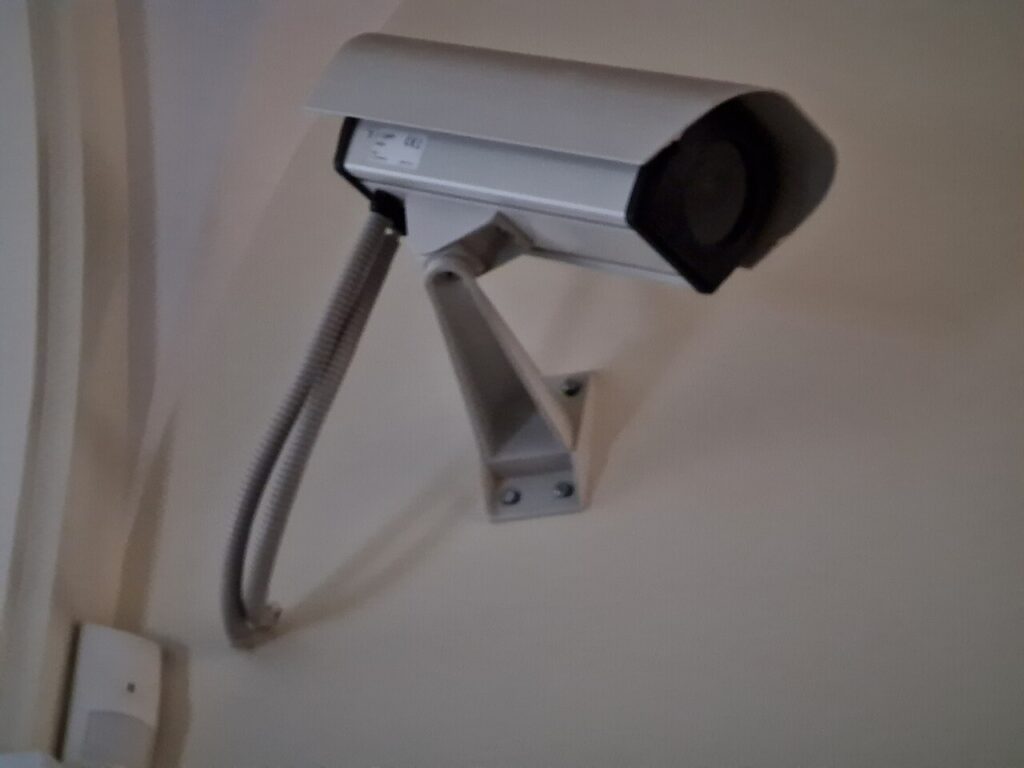
Baby monitors and indoor cameras bring peace of mind, but poorly secured devices can expose a child’s room to strangers. Following baby monitor privacy practices keeps feeds private.
Choose a secure device
Prefer monitors with encrypted connections, regular firmware updates, and a reputable manufacturer. Non-internet monitors that use a private radio link reduce online exposure.
Secure the account
Use a unique password and enable two-factor authentication on the app. Never reuse a password from another service, and remove old devices and shared users.
Protect the network
Change the default router password, use WPA3 or WPA2, and keep the monitor on a separate guest or IoT network if possible. Disable remote features you do not use.
Camera placement and settings
Position the camera to see the crib without capturing other rooms, cover the lens when not in use, and disable audio or cloud recording if you do not need them.
Respond to warning signs
Unexpected movement of the camera, strange voices, or unknown logins mean you should change passwords, update firmware, and contact the manufacturer.
Key takeaways
- Choose a secure device: Prefer monitors with encrypted connections, regular firmware updates, and a reputable manufacturer. Non-internet monitors that use a private radio link reduce online exposure.
- Secure the account: Use a unique password and enable two-factor authentication on the app. Never reuse a password from another service, and remove old devices and shared users.
- Protect the network: Change the default router password, use WPA3 or WPA2, and keep the monitor on a separate guest or IoT network if possible. Disable remote features you do not use.
- Camera placement and settings: Position the camera to see the crib without capturing other rooms, cover the lens when not in use, and disable audio or cloud recording if you do not need them.
- Respond to warning signs: Unexpected movement of the camera, strange voices, or unknown logins mean you should change passwords, update firmware, and contact the manufacturer.
Putting it into practice
To apply this in your own organization, begin with a short assessment of where you stand on baby monitor privacy today. Write down who owns it, which tools are involved, and the single biggest gap. Fix the highest-risk gap first, assign a clear date, and review progress after thirty days. Share what you learn with the team so improvements stick, and document the decisions you make so new staff can follow them. Revisit the topic every quarter, because threats, tools, and business needs change quickly, and small regular adjustments are far easier than large emergency fixes.
Common mistakes to avoid
Many teams struggle with baby monitor privacy because they try to do everything at once, skip documentation, or treat it as a one-time project. Others rely on a single person who holds all the knowledge, or buy tools before defining the problem they need to solve. Avoid these traps by starting small, writing down simple procedures, spreading responsibility across the team, and checking results on a regular schedule. If something is not working, adjust quickly instead of abandoning the effort, and keep a short log of what you changed and why. That record makes future decisions faster and helps new colleagues understand the reasoning behind your approach.
Frequently asked questions
Can baby monitors be hacked?
Internet-connected ones can, if poorly secured.
Is a non-Wi-Fi monitor safer?
It reduces online exposure but still needs care.
Final thoughts
Strong passwords, updates, and thoughtful placement keep your family’s monitor private.
Keep reading
- Smart Security
A Guide to Secure Video Conferencing

- Smart Security
Security Lighting and Cameras Together
- Smart Security
DIY vs Professional Alarm Systems

- Smart Security
IoT Certifications Worth Your Time