Backup and Recovery Practices That Survive Ransomware
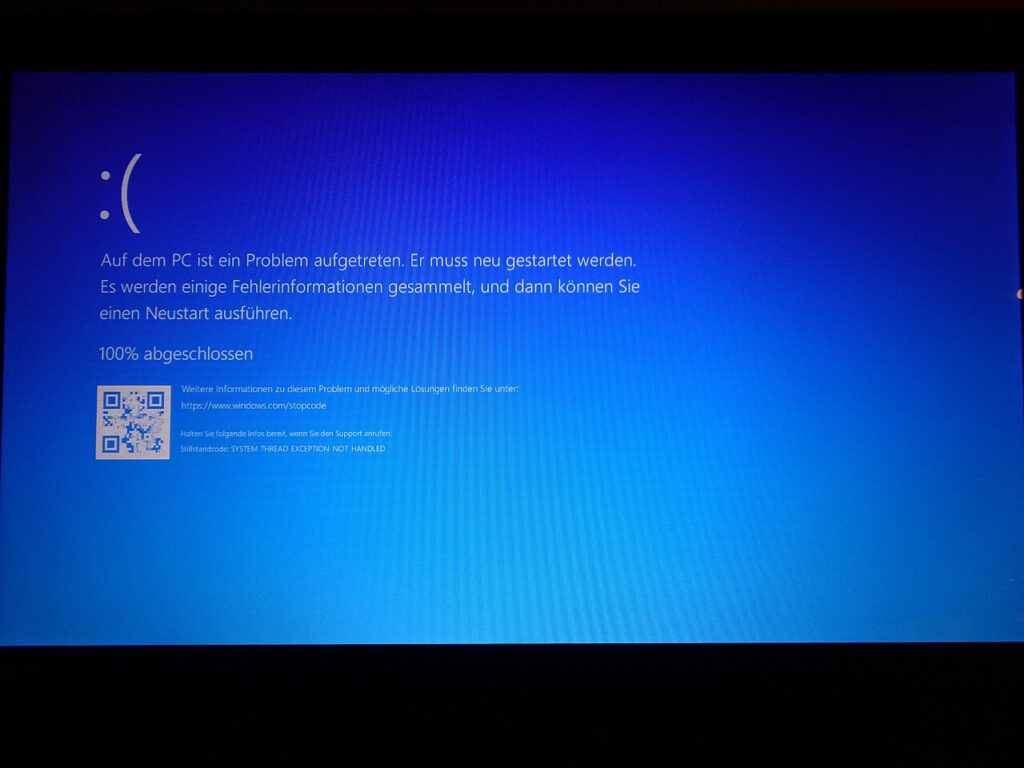
Every business eventually loses data, whether to ransomware, hardware failure, accidental deletion, or a cloud mishap. Solid backup and recovery practices decide whether that day is an inconvenience or a crisis. This guide covers the habits that make restores dependable. It focuses on practical steps small teams can follow without complex tools.
Follow the 3-2-1 rule
Keep three copies of important data, on two different types of storage, with one copy stored offsite or offline. This protects against a single failure wiping out everything, and an offline or immutable copy cannot be encrypted by ransomware that reaches your network. Cloud backup services make the offsite part simple, while an external drive disconnected after each run covers the offline layer. Review the rule whenever you add new systems or data sources.
Decide what to back up and how often
List the systems and files the business cannot operate without: databases, customer records, accounting data, email, and shared documents. Set a backup frequency based on how much data you can afford to lose, called the recovery point objective. Daily is common for documents, while transaction-heavy systems may need hourly snapshots. Include laptops and cloud applications, which are often forgotten.
Test your restores
A backup that has never been restored is only a hope. Schedule regular tests that recover files, whole servers, and a sample application, and record how long each takes. This reveals corrupted backups, missing credentials, and unrealistic recovery times before a real emergency. Document the steps so anyone on the team can follow them under pressure.
Protect the backups themselves
Encrypt backup data, restrict who can delete or change it, and use separate credentials from your main network. Enable multi-factor authentication on backup consoles and monitor for failed or skipped jobs. Attackers increasingly target backup repositories first, so treat them as high-value assets.
Plan the recovery process
Define the recovery time objective for each system, the order in which services return, and who decides and communicates. Keep a printed copy of key contacts and procedures. Review the plan yearly and after any major change in your environment.
Key takeaways
- Follow the 3-2-1 rule: Keep three copies of important data, on two different types of storage, with one copy stored offsite or offline. This protects against a single failure wiping out everything, and an offline or immutable copy cannot be encrypted by ransomware that reaches your network.
- Decide what to back up and how often: List the systems and files the business cannot operate without: databases, customer records, accounting data, email, and shared documents. Set a backup frequency based on how much data you can afford to lose, called the recovery point objective.
- Test your restores: A backup that has never been restored is only a hope. Schedule regular tests that recover files, whole servers, and a sample application, and record how long each takes.
- Protect the backups themselves: Encrypt backup data, restrict who can delete or change it, and use separate credentials from your main network. Enable multi-factor authentication on backup consoles and monitor for failed or skipped jobs.
- Plan the recovery process: Define the recovery time objective for each system, the order in which services return, and who decides and communicates. Keep a printed copy of key contacts and procedures.
Frequently asked questions
How long should backups be kept?
Match retention to business and legal needs, commonly thirty to ninety days for operational data and longer for records.
Is syncing the same as backing up?
No. Sync tools can spread deletions and ransomware to every copy, while backups keep earlier versions.
Final thoughts
Reliable backup and recovery rests on redundancy, testing, and protection of the backups themselves. Build the habit now so recovery is routine when something goes wrong.
Keep reading
- Endpoint Security
How to Write a BYOD Policy That Staff Will Follow

- Endpoint Security
After the Outage: Questions CISOs Should Ask Security Vendors

- Endpoint Security
How to Decide Whether New Security Software Fits Your Business

- Endpoint Security
CISA Names Its First Chief AI Officer: What It Signals