Smart Camera Privacy Settings to Change Today
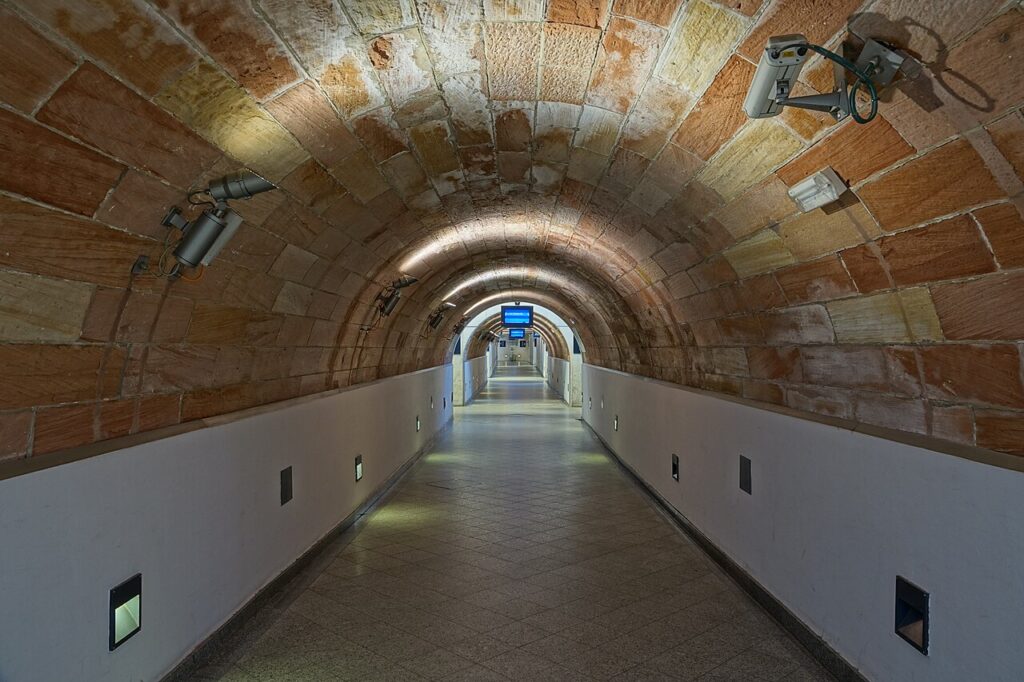
Smart cameras make homes and offices feel safer, but poorly configured devices can expose video feeds or personal data. Changing a few smart camera privacy settings today can close the most common gaps. This checklist walks you through the essentials.
Secure the account first
Use a long, unique password and turn on multi-factor authentication in the camera app. Many camera breaches come from reused passwords leaked in other incidents. Remove old users and shared logins, and check the list of devices signed in to your account for anything unfamiliar.
Update firmware and the app
Manufacturers release updates that fix security flaws, so enable automatic updates where possible. Check the camera model is still supported; unsupported devices may never receive fixes and are worth replacing. Keep your phone operating system and the camera app current as well.
Review sharing and cloud storage
Look at who can view live streams and recordings, and disable public links or old guest invitations. Understand where footage is stored, how long it is kept, and whether it is encrypted. Local storage with encryption reduces reliance on the cloud, while cloud storage adds convenience and backup.
Limit what the camera captures
Use privacy zones to block neighbors’ windows or private areas, disable audio recording if you do not need it, and schedule the camera to switch off when you are home. Position indoor cameras away from bedrooms and bathrooms. Respect local laws about recording in shared or public spaces.
Harden the network
Place cameras on a separate guest or IoT network, disable UPnP and remote port forwarding on the router, and change default device passwords. Turn off features you do not use, such as remote access without the vendor app.
Key takeaways
- Secure the account first: Use a long, unique password and turn on multi-factor authentication in the camera app. Many camera breaches come from reused passwords leaked in other incidents.
- Update firmware and the app: Manufacturers release updates that fix security flaws, so enable automatic updates where possible. Check the camera model is still supported; unsupported devices may never receive fixes and are worth replacing.
- Review sharing and cloud storage: Look at who can view live streams and recordings, and disable public links or old guest invitations. Understand where footage is stored, how long it is kept, and whether it is encrypted.
- Limit what the camera captures: Use privacy zones to block neighbors’ windows or private areas, disable audio recording if you do not need it, and schedule the camera to switch off when you are home. Position indoor cameras away from bedrooms and bathrooms.
- Harden the network: Place cameras on a separate guest or IoT network, disable UPnP and remote port forwarding on the router, and change default device passwords. Turn off features you do not use, such as remote access without the vendor app.
Frequently asked questions
Can smart cameras be hacked?
Yes, especially with weak or reused passwords and outdated firmware, which is why updates and multi-factor authentication matter.
Is local storage safer than cloud?
It reduces exposure to vendor breaches, but you must still secure and back up the device.
Final thoughts
A few minutes in the settings can dramatically improve smart camera privacy. Lock the account, update the firmware, limit sharing, and isolate the device on your network.
Keep reading
- Smart Security
IoT Device Security for Small Offices

- Smart Security
How to Choose a Security Camera for Your Home
- Smart Security
Taser Buying Guide: Models and Legal Checks